
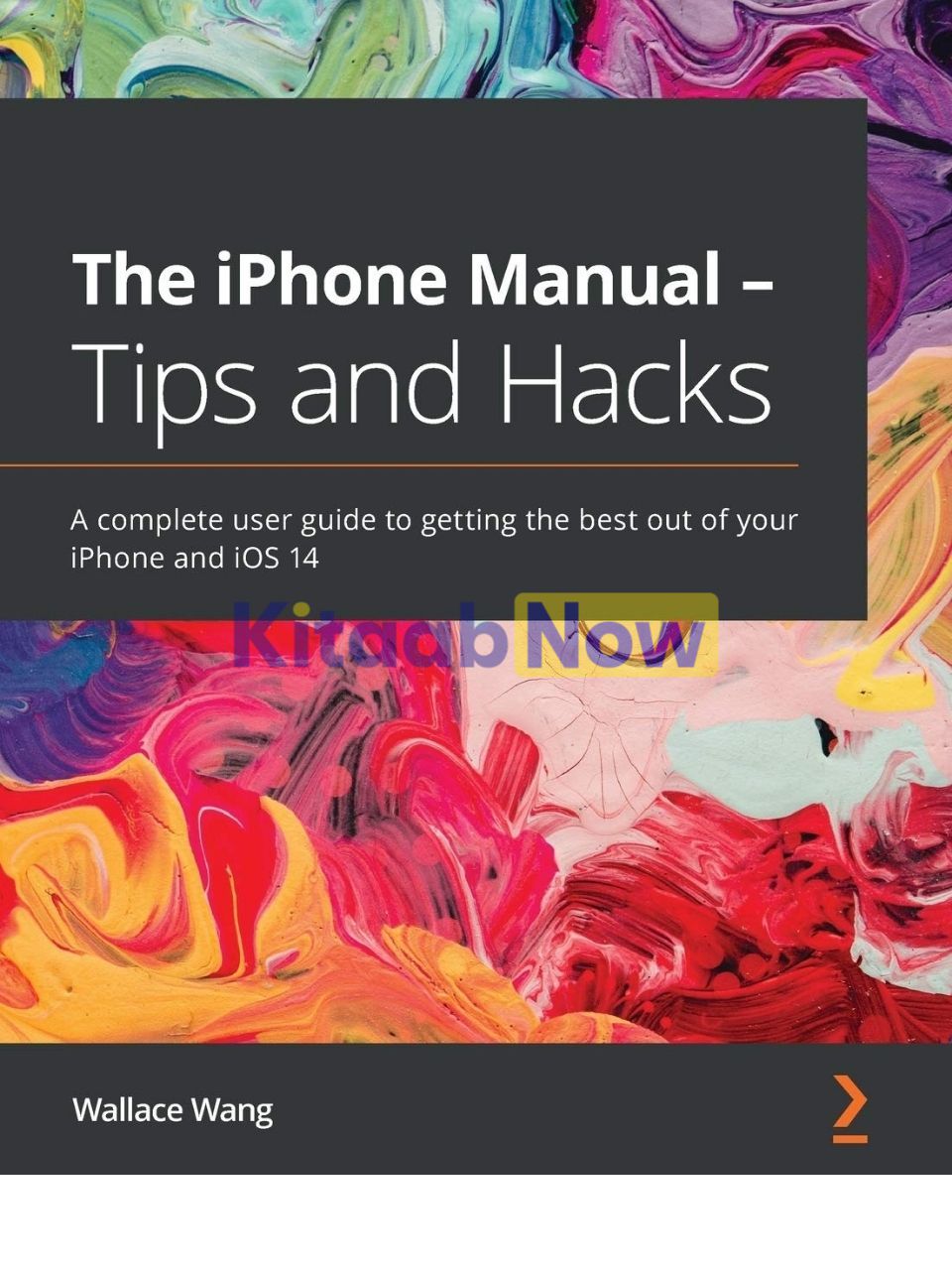
The iPhone Manual – Tips and Hacks
- Author: Wallace Wang
- ISBN: 9781838641016
- Publisher: Packt Publishing
- Publication Date: November 27, 2020
- Format: Paperback – 486 pages
- Language: English
Description
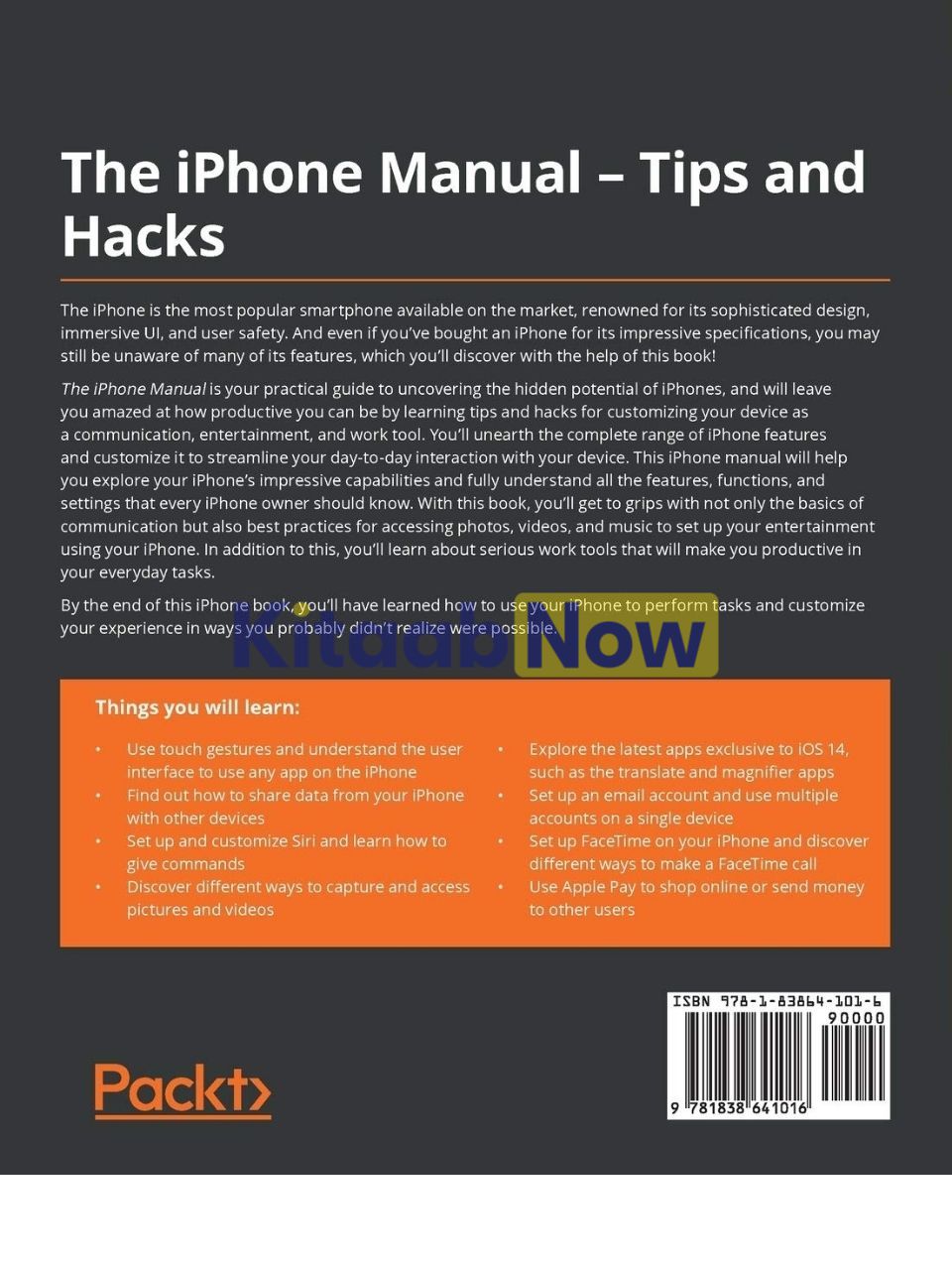
The iPhone is the most popular smartphone available on the market, renowned for its sophisticated design, immersive UI, and user safety. And even if you’ve bought an iPhone for its impressive specifications, you may still be unaware of many of its features, which you’ll discover with the help of this book!
The iPhone Manual is your practical guide to uncovering the hidden potential of iPhones, and will leave you amazed at how productive you can be by learning tips and hacks for customizing your device as a communication, entertainment, and work tool. You’ll unearth the complete range of iPhone features and customize it to streamline your day-to-day interaction with your device. This iPhone manual will help you explore your iPhone’s impressive capabilities and fully understand all the features, functions, and settings that every iPhone owner should know. With this book, you’ll get to grips with not only the basics of communication but also best practices for accessing photos, videos, and music to set up your entertainment using your iPhone. In addition to this, you’ll learn about serious work tools that will make you productive in your everyday tasks.
By the end of this iPhone book, you’ll have learned how to use your iPhone to perform tasks and customize your experience in ways you probably didn’t realize were possible.
Key Features
- Learn everything about your iPhone quickly to use it as an effective tool for communication, entertainment, and work
- Customize your phone’s look and sound and modify the iOS’s privacy settings
- Keep your apps tidy and organized using the App Library
Table of Contents
- The iPhone Manual – Tips and Hacks
- Why subscribe?
- Contributors
- About the author
- About the reviewer
- Packt is searching for authors like you
- Acknowledgements
- Preface
- Who this book is for
- What this book covers
- To get the most out of this book
- Download the color images
- Get in touch
- Reviews
- Chapter 1: Learning Basic Touch Gestures
- Using tap gestures
- Using swipe gestures
- Using left- and right-swipe gestures to navigate screens
- Using left-swipe gestures to delete items in a list
- Using the down-swipe gesture to view Notifications Center
- Using up- and down-swipe gestures to view more information
- Using up – and left/right-swipe gestures to switch apps
- Using swipe gestures to open Control Center
- Using long-press gestures
- Using drag gestures
- Using pinch gestures
- Using rotation gestures
- Summary
- Chapter 2: Using the New iOS 14 Apps
- Using the Magnifier app
- Using the App Library
- Summary
- Chapter 3: Customizing Sound, Look, and Privacy Settings
- Getting an Apple ID
- Protecting your iPhone
- Using passcodes
- Using Touch ID
- Using Face ID
- Making sure you don’t lose your iPhone
- Setting up tracking
- Locating a missing iPhone
- Changing the wallpaper
- Customizing sounds and haptics
- Blocking out disturbances
- Adjusting text size and screen brightness
- Customizing date/time formats
- Customizing the battery
- Defining an emergency SOS
- Protecting your privacy
- Defining notification settings
- Setting Wi-Fi, Bluetooth, and hotspots
- Connecting to a Wi-Fi network
- Turning on Bluetooth
- Creating a hotspot
- Finding information about your iPhone
- Updating an iPhone
- Using accessibility features
- Summary
- Chapter 4: Making Phone Calls
- Making a call
- Typing a complete phone number
- Calling a phone number from the screen
- Storing and calling a number from the Contacts app
- Calling a favorite person
- Calling recent callers
- Receiving a call
- Defining a ringtone and haptic feedback
- Creating a reminder for returning a call
- Creating messages for returning a call
- Taking multiple calls
- Blocking callers
- Blocking disturbances
- Summary
- Chapter 5: Sending Text Messages
- Understanding text messages
- Sending a text message
- Sending pictures as a text message
- Sending emojis as a text message
- Sending stickers as a text message
- Creating Memojis
- Sending a Digital Touch drawing as a text message
- Sending audio as a text message
- Sending animated fitness images as a text message
- Sending animated images as a text message
- Sending a song you’re currently playing as a text message
- Sending money through a text message
- Receiving and responding to text messages
- Responding to text messages with symbols
- Hiding a text message conversation
- Deleting a text message conversation
- Summary
- Chapter 6: Using Siri
- Setting up Siri
- Asking Siri questions
- Giving Siri commands
- Getting the current time
- Getting the current weather
- Translating words and phrases
- Setting, editing, and deleting an alarm
- Setting a timer
- Setting a reminder
- Setting an appointment
- Getting directions
- Sending and receiving text messages
- Making phone calls
- Opening an app
- Tracking flights above you
- Summary
- Chapter 7: Taking and Sharing Pictures
- Capturing still images
- Capturing a photo or square image
- Capturing a portrait image
- Capturing a panoramic image
- Capturing screenshots
- Recording video
- Recording ordinary video
- Recording time-lapse video
- Recording slow motion video
- Using the Photos app
- Viewing images and videos in the photos category
- Viewing images and videos in the For You category
- Creating albums to organize images and videos
- Editing images and videos
- Editing Live Photos
- Trimming a video
- Adjusting the appearance of an image or video
- Applying filters to an image or video
- Resetting the orientation of an image or video
- Cropping an image or video
- Tagging and sharing images and videos
- Tagging an image or video
- Sharing an image or video
- Deleting images and videos
- Summary
- Chapter 8: Listening to Music
- Listening to the radio
- Listening to Music 1
- Listening to internet radio stations
- Listening to podcasts
- Downloading podcast episodes
- Deleting downloaded podcast episodes
- Unsubscribing from a podcast
- Transferring music to an iPhone
- Transferring audio from a Macintosh
- Transferring audio files with iTunes
- Storing and organizing audio files on an iPhone
- Creating playlists
- Editing a playlist
- Playing an audio file
- Deleting audio files
- Summary
- Chapter 9: Browsing the Internet with Safari
- Browsing websites
- Typing a website address
- Changing text size
- Reloading web pages
- Navigating between web pages
- Opening and switching between multiple web pages
- Opening additional web pages
- Switching between open web pages
- Closing web pages
- Private browsing
- Defining privacy settings in Safari
- Bookmarking websites
- Creating a bookmark
- Using a bookmark
- Deleting and moving a bookmark
- Viewing browsing history
- Using reading lists
- Storing web pages in a reading list
- Viewing web pages in a reading list
- Deleting web pages in a reading list
- Sharing websites
- Searching with Safari
- Summary
- Chapter 10: Sending and Receiving Email
- Setting up an email account
- Setting up a common email account
- Manually setting up an email account
- Sending email
- Writing and sending email
- Saving email as a draft
- Attaching files to an email message
- Reading messages
- Choosing a message to read
- Responding to a message
- Moving a message to the Archive folder
- Deleting a message
- Creating a VIP list
- Filtering email
- Flagging messages
- Dealing with junk email
- Summary
- Chapter 11: Using FaceTime
- Setting up FaceTime
- Using Wi-Fi for a FaceTime call
- Making a FaceTime call
- Talking in a FaceTime call
- Adding multiple people to a FaceTime call
- Using visual effect filters in FaceTime
- Adding text to a FaceTime image
- Adding shapes to a FaceTime image
- Adding activities to a FaceTime image
- Adding memojis to a FaceTime image
- Adding emojis to a FaceTime image
- Summary
- Chapter 12: Reading eBooks
- Getting eBooks from Apple’s bookstore
- Adding eBooks to the Books app
- Adding eBooks from a Macintosh
- Adding eBooks from an iPhone/iPad
- Opening an eBook
- Choosing from the Reading Now list
- Choosing from your eBook library
- Searching for an eBook title
- Reading an eBook
- Closing an eBook
- Viewing a table of contents
- Searching an eBook
- Bookmarking a page
- Changing text size in an ePub eBook
- Taking notes in an ePub eBook
- Highlighting in an ePub eBook
- Reading a PDF eBook
- Summary
- Chapter 13: Storing Contact Information
- Storing contact information
- Communicating through the Contacts app
- Combining duplicate contacts
- Displaying birthdays
- Defining favorites
- Sharing contacts
- Deleting contacts
- Creating emergency contacts
- Summary
- Chapter 14: Setting Appointments and Reminders
- Setting appointments
- Editing and deleting an appointment
- Setting reminders and travel time
- Defining recurring appointments
- Adding meeting locations
- Inviting others to an appointment
- Adding notes to an appointment
- Typing text on an appointment
- Attaching files to an appointment
- Attaching URLs to an appointment
- Deleting an appointment
- Summary
- Chapter 15: Writing Notes and Recording Voice Memos
- Taking notes
- Understanding folders
- Creating a new note
- Typing and editing text
- Formatting text
- Using tables
- Modifying table rows and columns
- Moving and copying rows and columns
- Copying a table
- Sharing a table
- Converting tables to text
- Deleting a table
- Creating checklists
- Adding pictures to a note
- Cropping images into a note
- Adding images and videos to a note
- Adding a picture from the Photo Library to a note
- Drawing in a note
- Searching notes
- Viewing notes as thumbnails
- Password protecting notes
- Capturing audio with Voice Memos
- Summary
- Chapter 16: Getting Directions with Maps
- Customizing the Maps app
- Getting directions
- Adding a detour
- Viewing a list of instructions
- Searching around you
- Creating favorite locations
- Using a guide
- Deleting a location in a guide
- Placing markers on a map
- Using the compass
- Changing the appearance of a map
- Summary
- Chapter 17: Getting Time, Weather, and Stock Information
- Using the Clock app
- Using the world clock
- Setting alarms
- Using a stopwatch
- Setting a timer
- Getting weather forecasts
- Viewing stock quotes
- Summary
- Chapter 18: Using Apple Pay
- Setting up Apple Pay
- Adding multiple cards to your Apple Pay account
- Removing cards from your Apple Pay account
- Defining a shipping address
- Paying with Apple Pay
- Viewing past transactions
- Getting an Apple Card
- Summary
- Other Books You May Enjoy
- Leave a review – let other readers know what you think
Author Biography
Wallace Wang has written dozens of computer books over the years, including Microsoft Office for Dummies and Beginning Programming for Dummies, along with Macintosh and the iPhone books such as macOS Programming for Absolute Beginners, Beginning iPhone Development with Swift 5, Pro iPhone Development with Swift 5, and Beginning ARKit for iPhone and iPad.
When he’s not helping people discover the fascinating world of programming, he performs stand-up comedy and appears on two radio shows on KNSJ in San Diego called Notes From the Underground and Laugh-In Your Face Radio.
In his free time, Wallace also writes a screenwriting blog called The 15 Minute Movie Method and a blog about the latest cat news on the Internet called Cat Daily News.
Additional information
| Weight | 0.825 kg |
|---|
Only logged in customers who have purchased this product may leave a review.
Related Products




Reviews
There are no reviews yet.